
Searching Dickinson County Cases by Name
Start at MiCOURT Case Search, the public entry point for any Dickinson County case search. Pick your court first. Traffic tickets live in 95B District Court. So do misdemeanors, small claims, summary proceedings, and lower civil cases. The 41st Circuit Court covers felonies after bindover, major civil matters, family cases, and district appeals. Probate matters that are permitted to be public go through Dickinson County Probate Court. The portal shows informational data. It is not the official court record.
Type a last name or business name to begin. Adding a first and middle name helps when the results run long. The name panel also offers a birth-year field where it applies. Before assuming you found the right case, check that the court, case type, and filing date all line up. Only public participants show up in results. A matching name alone proves neither identity nor the full cast of a case.
- Open MiCOURT Case Search and choose the Dickinson court that fits the case type.
- Enter the last name or business name, then add first or middle name only when it helps separate results.
- Use available case-type, status, or date filters to narrow the result list.
- Open a matching public result and compare the court, case number, filing date, parties, and status before reading its case history.
| Field Label | Type | Required | Notes |
|---|---|---|---|
| Select Court | Selector | Yes | Choose 95B, 41st Circuit, or Dickinson Probate for a court-specific search. |
| Last Name or Business | Text | Yes in name search | Start with the public portal’s required name field. |
| First / Middle Name | Text | No | Optional fields narrow similar names. |
| Birth Year | Numeric or text | No | Use only where appropriate; full dates of birth are not ordinary public-search fields. |
| Filter / Show | Control | No | Available filters can vary with the selected court and public interface. |
Dickinson County MiCOURT Search Fields
MiCOURT keeps name searching and case-number searching apart on one screen. Its public documentation lists a court selector, a name panel, case year, number, type, and optional filters. Those filters cover categories like civil, criminal, traffic, domestic, and probate. What appears can vary with the court chosen. Trust the labels you see after selecting the venue. Do not assume every statewide filter applies locally.
Michigan's current public search reference also lays out status and date fields behind the results system. Technical refinements have limits, though. They cannot open suppressed cases or expose protected personal data. MiCOURT masks public personal identifiers. It shares only what court rules allow.
The official e-filing platform can be reached through MiFILE.
MiFILE is a credentialed filing service, which makes it a different tool from the public Dickinson County case-history search.
Searching Dickinson County by Case Number
One Dickinson County court file is easiest to find by case number. MiCOURT's public panel asks for three things. Year, Number, and Type go in separate boxes. Fill them in exactly as the selected court presents them. No court publishes a verified Dickinson-specific dashed pattern. Treat the local form as Year / Number / Type rather than borrowing a prefix from some other Michigan court.
Pull those three parts from a citation, a notice, a filed paper, or an earlier case-history result. Then check the court. The one that comes back must match the paper you hold. A felony often starts in 95B District Court for preliminary proceedings. It can show up later in the 41st Circuit Court, after bindover. District appeals and transfers can likewise create a related record in a second venue.
Dickinson County Court Selection First
Court choice matters in Dickinson County. It is more than a filter step. The 95B District Court keeps certain case histories. Misdemeanors, traffic, civil claims under $25,000, small claims, summary proceedings, and municipal infractions sit there. Circuit civil, felony-after-bindover, family, PPO, and district-appeal records belong to the 41st Circuit Court. The Probate Court register handles estates, trusts, guardianships, conservatorships, and other probate case histories. Search the wrong venue. An existing public case can look like it never existed.
Dickinson County posts no separate county-owned docket database beyond MiCOURT. When a result is missing, old, or murky, call the clerk of the court that originated the case. Do not turn to MiFILE. MiFILE serves authorized e-filing only. It is neither a public document archive nor a stand-in for the case-history portal.
The official MiFILE court directory lists the participating Dickinson 41st Circuit and Iron Mountain 95B-1 courts.
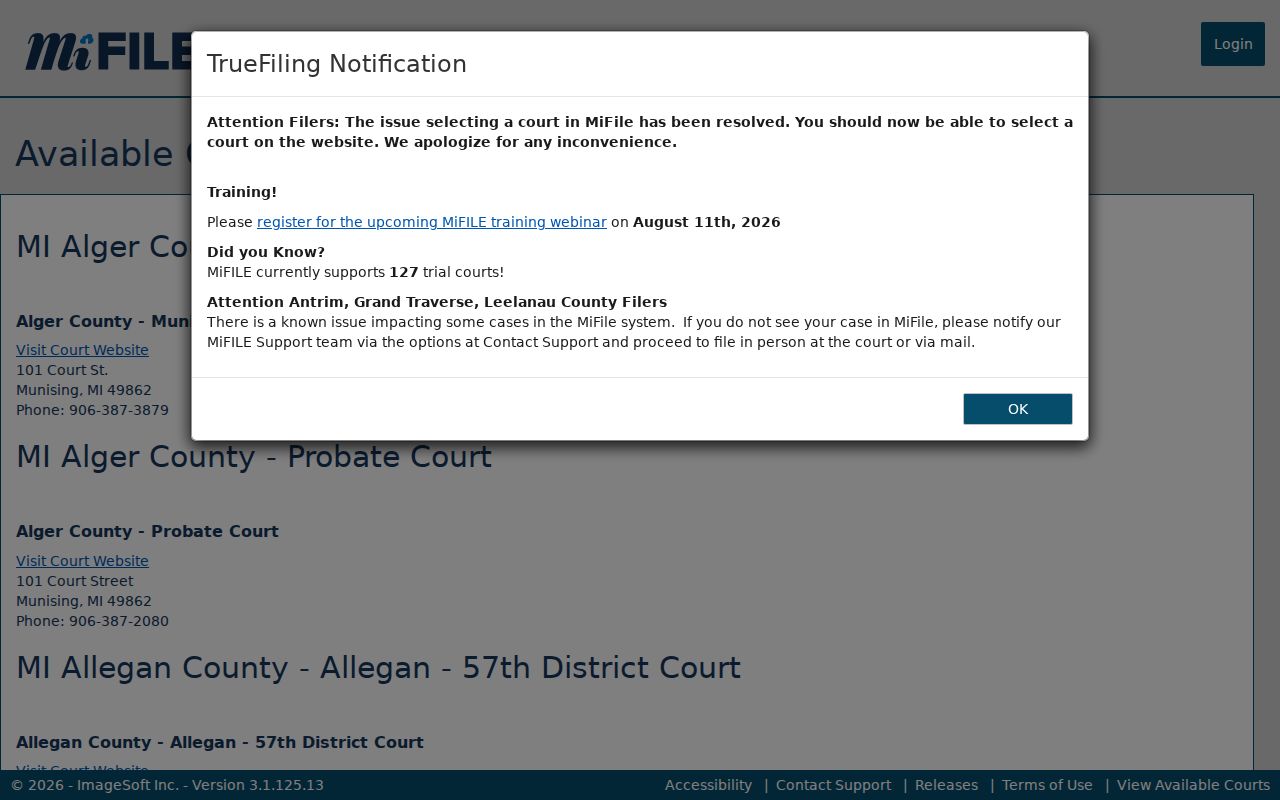
That directory shows filing-system participation, but the local court clerk still handles public case records.
What a Dickinson County Case Search Returns
A public result typically names the court, the case number, the case type, the filing date, the status, and whatever participant or case-style information is permitted. Open a result. You reach the case-history layer, sometimes called a register of actions. Think of it as a timeline of filings, notices, hearings, orders, continuances, judgments, and other recorded events. One caution applies. An entry noting a filed motion or an entered order does not promise one. A public PDF may not ride along.
| Case Number | The court’s Year, Number, and Type identifier used to locate one record. |
|---|---|
| Style / Parties | The public caption or permitted participant roles, subject to masking and restrictions. |
| Case Type | The court’s category, such as criminal, civil, traffic, domestic, or probate. |
| Filed Date | The date entered for the case filing, not necessarily the date of every later event. |
| Status | A public status such as open, closed, deferred, or disposed where the court exposes it. |
| Case History | Chronological entries for filings, settings, orders, and outcomes, rather than a guaranteed document set. |
Dickinson County Results Need Verification
MiCOURT calls its results informational. The portal is not the official record. Fresh filings may still need confirmation. The state promises no real-time refresh for Dickinson County dockets. No full online archive of case images exists. Treat what you find as a trail, not the destination. Write down the court, the case number, the document or event name, and its date. Then ask the clerk that holds the file for a plain or certified copy.
Older cases add a wrinkle of their own. No local source says which early years are digitized. Nor does it say whether a given file sits onsite, archived, or offsite. When you call, have the case year and type ready. The 41st Circuit clerk answers at 906-774-2266. The 95B District Court is 906-774-0506, and Probate is 906-774-1555. The MiFILE login opens the account-based filing route. That is a separate job from searching a docket.
A sign-in screen is a fair reminder that filing a case and searching the public docket are two different jobs.
Dickinson County Federal Cases Differ
MiCOURT will never return a federal case. Dickinson County sits in the Northern Division of the Western District of Michigan. Those matters run through PACER and CM/ECF instead of the state trial-court portal. So a case paper bearing a federal caption or a federal-style number belongs to a different system entirely. That layer keeps its own clerk. It keeps its own case numbers, access fees, and document platform. The federal court's CM/ECF court information page describes how its electronic case-management system works.
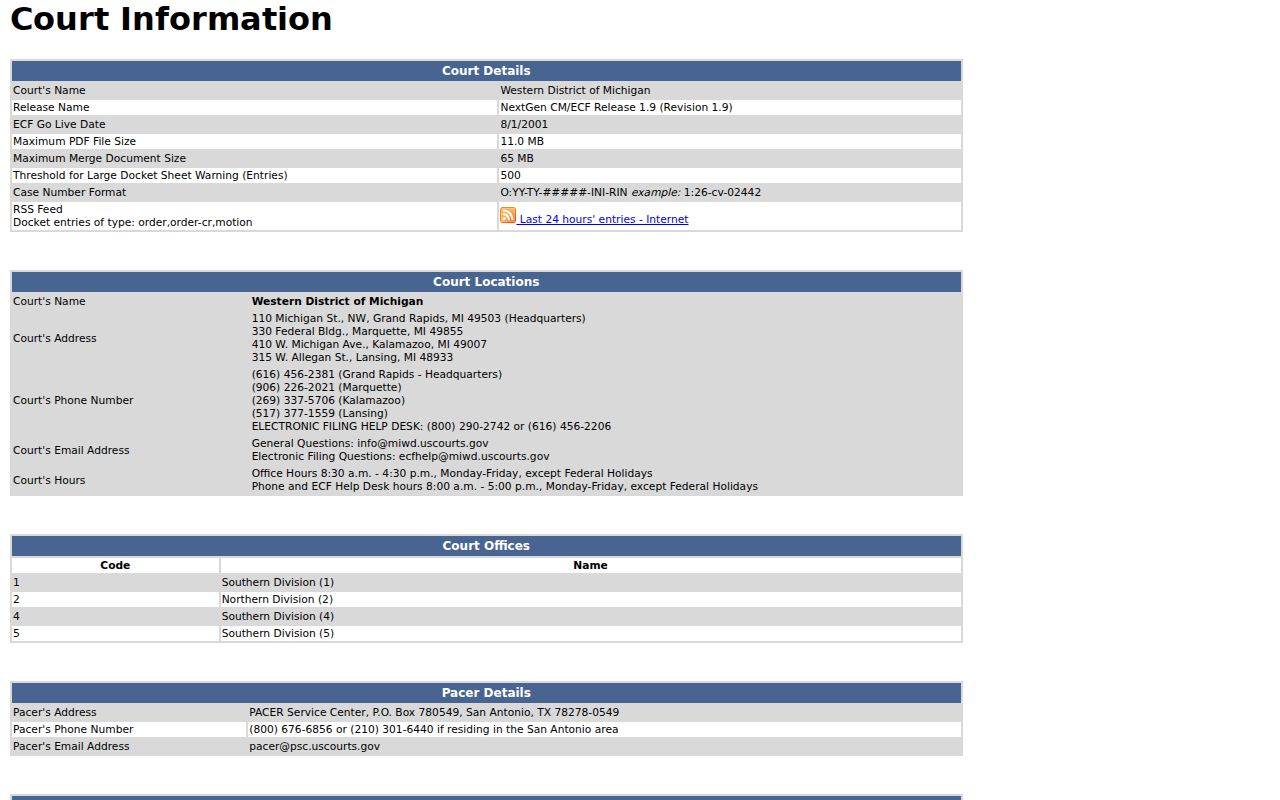
For anything federal, the docket source is separate from the Dickinson County case-history route.
Dickinson County Case Search Channels
MiCOURT is the practical Dickinson County online route. It also doubles as the statewide public search. No county-owned portal competes with it. The real divide is between the search screen and the records counter. Use MiCOURT to find a case history. Use the clerk for documents, certified copies, or older files. The clerk is also quickest for confirming a court date.
| MiCOURT Case Search | Originating Dickinson Court Clerk |
|---|---|
| Public statewide case-search interface, with court selection and exclusions. | 41st Circuit, 95B District, or Probate case file based on venue. |
| Informational public case history and permitted result fields. | Official record access, plain copies, certified copies, and status confirmation. |
| Best for locating a known public case by name or Year/Number/Type. | Best for a missing result, document, certified record, or current setting. |
Dickinson County Search Exclusions
A public name search does not see everything. MiCOURT excludes adoptions. It also excludes juvenile and child-protective matters, juvenile guardianships, mental-illness cases, name changes, PPOs, wills, and other categories. A sealed or restricted case may be omitted. It may instead be marked suppressed, or trimmed to a few details. Protected personal identifiers get masked in public results too.
Michigan courts can also apply a seven-year criminal-sentence display filter. An older criminal docket may not appear. If so, check the spelling, the court selection, and the case type first. Then call the court that would hold the record. A blank search result does not prove a case never existed. And knowing a case number does not unlock a restricted file. The MiFILE registration page covers filing accounts, not public case searches.
The portal's own material explains why a case search sometimes returns a limited record rather than a full court file.
Dickinson County Restricted Case Access
MCR 8.119 opens trial-court case records to the public. Maintained case histories are open too, unless a statute, court rule, or court order says otherwise. That is a broad right, but it has edges. The same rules allow confidentiality, sealing, and redaction, so a search screen is never the complete file. Ask the clerk about the request path. The clerk may still require an authorization. A court order or a statutory exception could also be needed before releasing a restricted record.
For anything public, the sequence is simple. Locate the case online, then make a targeted request to the right court. Certified copies come only from the originating clerk. The Dickinson County court records reference walks through the full filing history and copy channels. Remember that MiCOURT's search is a locating tool. It is not proof of a case's complete current status.