
How to Search Dickinson County Civil Dockets
MiCOURT Case Search is the statewide starting point for any Dickinson County civil docket lookup. Use the 41st Circuit Court for civil damages above $25,000. General-jurisdiction and equitable claims, family matters, PPO matters, and district appeals belong there. Pick 95B District Court for civil matters under $25,000. Small claims, summary proceedings, civil municipal infractions, and traffic civil infractions sit there too. Probate is separate. The Dickinson Probate Court keeps those files, not the circuit civil docket.
If you have the case number, search with it. Otherwise try the plaintiff, defendant, or business name. Narrow the results with first or middle name, status, or date filters where offered. The MiCOURT case-number panel asks for Year, Number, and Type in separate fields. No published Dickinson County civil case-number example exists as a formatting guide. So enter the case number exactly as the court supplied it. Do not guess at a civil prefix.
- Open MiCOURT and select the Dickinson court that matches the type and value of the civil matter.
- Search with the party or business name, or use the available Year, Number, and Type case inputs.
- Confirm the court, filing date, participant roles, case type, and public status before relying on an event list.
- Read the history from complaint or petition through service, answer, motions, settings, orders, and disposition.
- Ask the originating clerk for a filed paper, a certified judgment, an older record, or an explanation of an unavailable result.
Note: A MiCOURT result is informational. It may leave out filed documents or the full terms of an order.
Dickinson County Civil Docket Search Fields
Two choices drive most Dickinson County civil docket searches. One is which court. The other is how a participant's name is spelled, and a business can be a party too. That is why the public interface offers a Last Name or Business field instead of an individual-name box alone. Depending on the court, the same statewide framework can surface civil, domestic, non-traffic, and probate categories. Public controls and result fields shift from court to court. A missing category proves nothing about whether a case was filed.
| Field | Dickinson County use | Required |
|---|---|---|
| Court | Select 95B for lower civil, small claims, and summary proceedings; 41st for major civil, family, and circuit matters. | Yes |
| Last Name or Business | Search the plaintiff, defendant, or named business using the recorded spelling. | For name search |
| First or Middle Name | Optional narrowing for an individual participant; usually not needed for a business. | No |
| Year / Number / Type | Separate case-number inputs. Type options are court-specific. | Depends on search path |
| Status or date | Optional filters documented by MiCOURT, with public display varying by court. | No |
The official MiCOURT small-claims forms page shows the state forms used with a district small-claims matter.
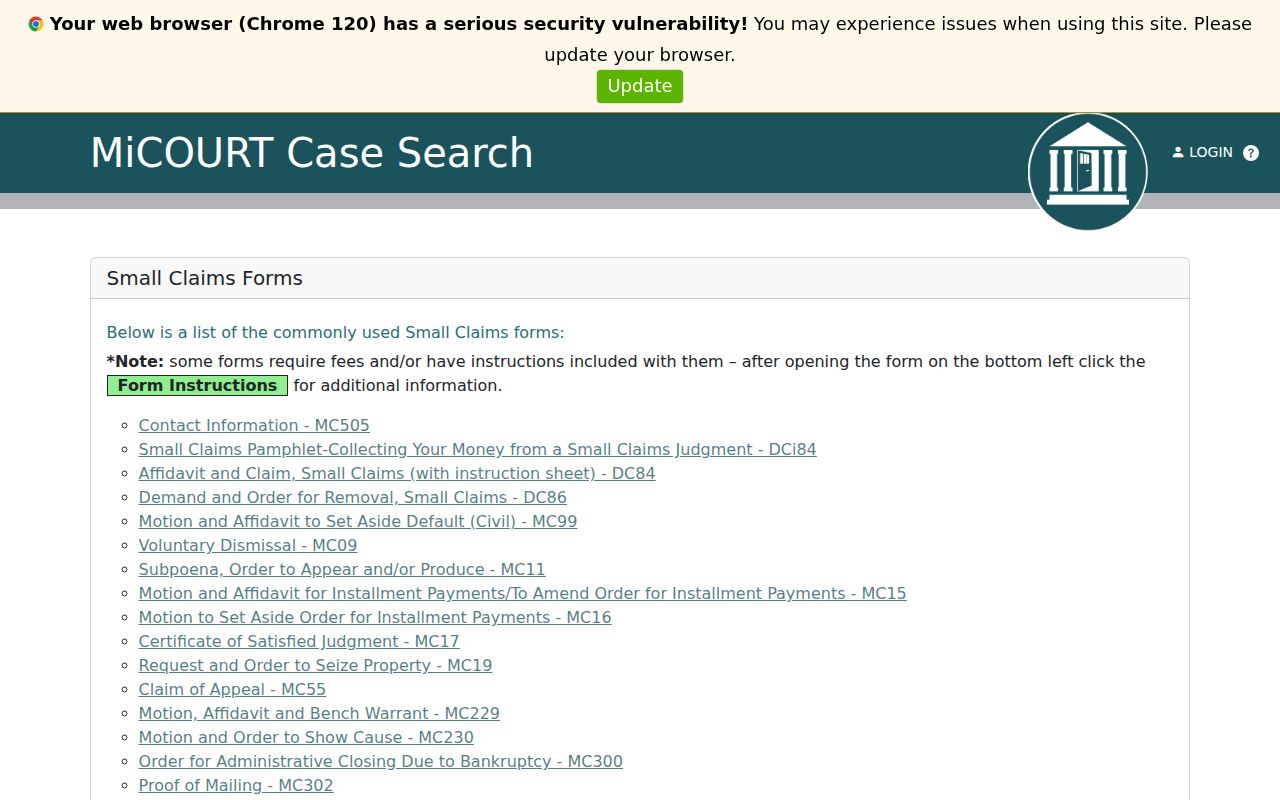
Those forms are court process paperwork. The Dickinson County civil docket is the separate, chronological record that follows the case after filing.
What a Dickinson County Civil Docket Shows
A Dickinson County civil docket can show the court. It also lists the filing date, the case number, the case type, public status, participants, and the assigned judge. Roles are listed too. Plaintiff and defendant, or petitioner and respondent, are normally kept distinct. From there, the chronological register may list a complaint or petition, a summons or citation, service or return, an answer, a counterclaim, motions, notices, scheduling events, hearings, continuances, orders, judgments, and later enforcement or appeal activity.
| Case identifier | MiCOURT searches with separate year, number, and type fields; no Dickinson formatted example was published. |
|---|---|
| Participants | Public roles may identify plaintiff, defendant, petitioner, respondent, and entered attorneys. |
| Civil metadata | Case category, subcategory, cause or relief description, and some amount or balance fields may appear when entered. |
| Case history | Filed pleadings, service, answer, motions, settings, orders, judgment, post-judgment activity, and appeal events can appear in date order. |
| Settings | Next hearing information may display; the current setting can be later than the first notice. |
| Documents and redaction | Search results do not promise downloadable filings. Protected personal identifiers and restricted items are masked or omitted. |
A motion is a request for court action. A signed order or judgment is the actual decision. Keeping those events apart stops a filed request from being read as a ruling.
Dickinson County Civil Complaint Timeline
Read the civil docket from the first filing forward. That is where it pays off. A complaint or petition opens the history, and a summons, citation, service entry, or return shows the effort to notify the other side. An unserved complaint is not an adjudicated claim. An answer or counterclaim marks a later stage. Notice, scheduling, settlement-conference, hearing, and continuance entries then trace how the court moved the matter toward an order, judgment, settlement, dismissal, or other outcome.
Defaults deserve caution. A default entry can lead to a default judgment after a failure to respond or appear, yet the entry alone does not spell out the judgment's full terms. A settlement entry may signal a resolution by agreement, but the terms usually sit in a separate filed document. When event text is too brief, ask the right Dickinson County clerk for the actual order or judgment.
Civil docket flow: Complaint or petition → service → answer or counterclaim → motions and settings → hearing or conference → order, judgment, settlement, or dismissal → post-judgment event when applicable.
Dickinson County Civil Docket Case Types
No single civil docket covers every Dickinson County matter. The court and the kind of claim decide where the public case history lives. The Dickinson County Court System page explains the district and circuit split, and probate stays with the Probate Court. A lower-court civil history can look different from a circuit record even though both are searchable through the statewide public portal where permitted.
| Case group | Usual Dickinson court | Docket point |
|---|---|---|
| Civil lawsuit under $25,000 | 95B District Court | District case history records filings, settings, and disposition. |
| Small claims | 95B District Court | District case history and the small-claims process materials apply. |
| Summary proceeding | 95B District Court | The district docket records the court matter and its hearings. |
| Civil damages above $25,000 or equitable claim | 41st Circuit Court | Circuit case history holds the major civil record. |
| Family, PPO, or district appeal | 41st Circuit Court | Public access depends on the matter and any controlling restriction. |
| Estate or protected-person matter | Dickinson Probate Court | Probate register maintains the case history, subject to separate access limits. |
The 41st Circuit Court also receives district transfers and appeals. When an entry mentions a transfer, search both the originating 95B record and the receiving court's history.
Dickinson County Small Claims Docket Limits
Small claims in Dickinson County run through the 95B District Court. Two official sources disagree on the ceiling. The county page posts $6,000. The current Michigan judiciary organizational chart lists $6,500. Treat neither figure as the settled limit. Check the current statutory limit, form, and fee with 95B before filing, because an older county description can mislead.
Commencement fees are tiered. A claim of $600 or less costs $25. More than $600 through $1,750 costs $45. Above $1,750, the fee is $65. A $5 electronic filing system fee applies too, subject to waiver. These are filing costs, not charges to search the public docket. A public case history can lay out the procedural sequence, and the court clerk confirms current filing requirements.
For that district-court process, the official summary-proceedings forms page supplies the state forms inventory.
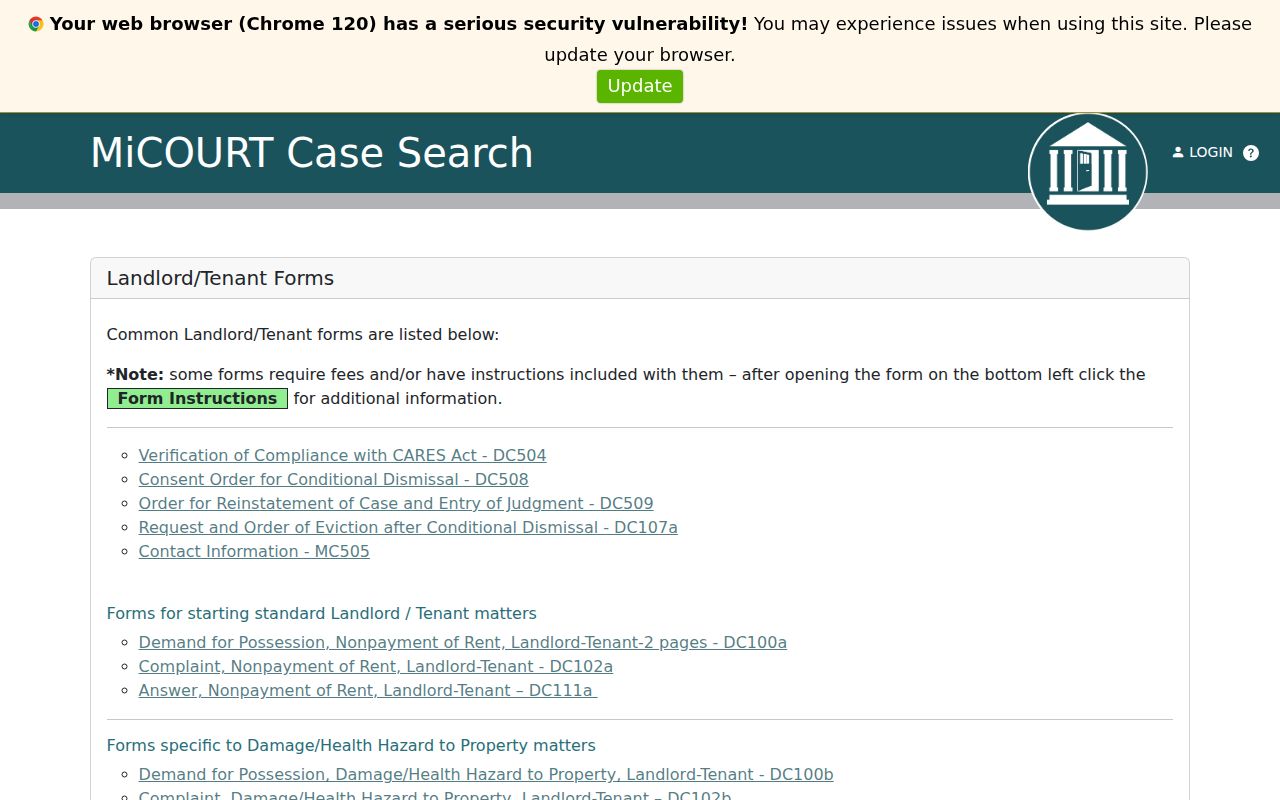
Those form materials explain the paperwork. The 95B case history remains the Dickinson County record that shows the court events and settings specific to a case.
Dickinson County Civil Docket Hearings
A Dickinson County civil case history may list a next setting, notice of hearing, conference, motion hearing, or trial-related date. The 95B public Court Display shows columns for Party Name, Time, and Hearing Info. Case Number and CTN get columns too. It works as a calendar layer. Results come back case by case, though. A blank display or failed request proves nothing about the civil case. MiCOURT and the clerk are the fallback channels.
Read a later reset or continuance as the current event. Change that only if a later order says otherwise. Scheduling orders can add dates that a brief public calendar row omits. Confirm a setting through the case history first. Then call 95B at 906-774-0506 for lower civil matters. For circuit matters, use the 41st Circuit at 906-774-2266. The 95B MiCOURT court route can change or fail, so use the main portal and court selector when necessary. The fuller date process sits in the Dickinson County court calendar reference.
Note: Court web-page availability does not change a filing deadline or hearing obligation. Confirm a discrepancy promptly with the court.
Dickinson County Civil Motions and Orders
A civil docket often shows a motion was filed before it shows what the court did with it. Grant, denial, or deferral comes later. The next entry might be a hearing notice, a briefing event, an adjournment, or a signed order. A short public label tells you activity occurred. It does not give you the text of the request or decision. If the result stays unclear, ask the clerk. Get the filed motion, order, or judgment there.
Public inspection of a case history or document carries no access fee under MCR 8.119(J)(1). Copies are different. The court may charge actual reproduction costs. A certified copy is the clerk-authenticated version of a court record. The state standard fee is $10 for certification plus $1 per page under MCL 600.2546. Need a docket rather than a single judgment? Ask whether the court can certify a printed case history or electronic reproduction.
The Michigan Court Rules Chapter 1 material addresses filing. It also covers redaction of personal identifiers and electronic-filing rules.
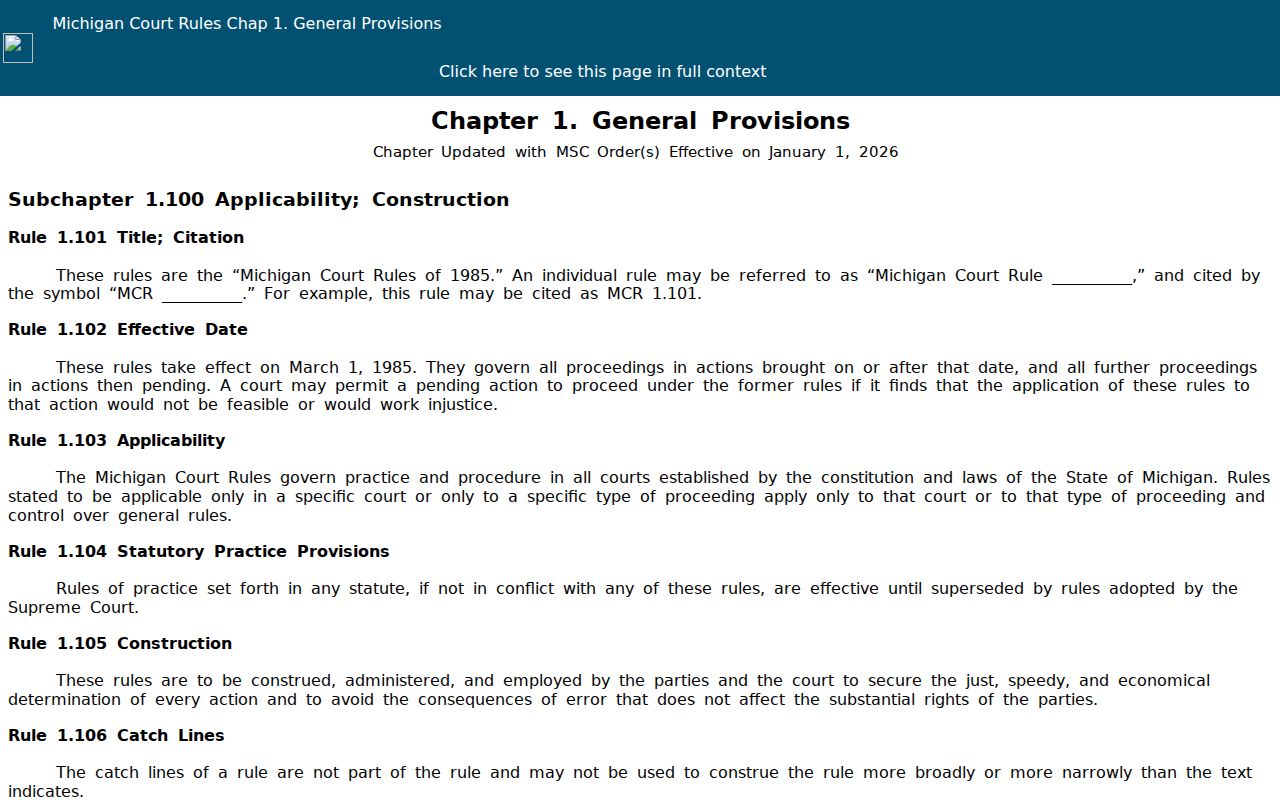
Those filing and redaction rules explain a common gap. The public civil case history stays visible while portions of a document or identifier remain unavailable.
Public Access to Dickinson County Civil Dockets
MCR 8.119 opens trial-court case histories and records to the public. A statute, court rule, or order can limit access. Otherwise the file is open. In Dickinson County, use MiCOURT for the online case history, then contact 95B for lower civil matters, the 41st Circuit clerk for major civil, family, and appeal records, or the Probate register for probate files. Each office holds its own records. The origin court remains the correct channel for an official paper, a certification, an older file, or a restricted-record question.
Michigan civil-record rules:
MCR 8.119 covers trial-court case records, public case histories, and clerk access duties.
MCR 1.109(D)(9) requires masking or protection of specified personal identifiers in filings.
MCL 15.235 sets the county Freedom of Information Act process for nonjudicial county records; it does not bypass a court-record restriction.
MiCOURT public search excludes some categories. Protected personal information is not an ordinary public field. A missing result therefore calls for a court-selector and access check, not an assumption about whether the case exists or how it ended.
Dickinson County Civil Docket Copies
When a Dickinson County civil docket search leaves questions open, work the other channels. MiCOURT comes first. Then call the court that holds the case. If you go in person, the clerk's office sits at 705 S. Stephenson Avenue in Iron Mountain. The clerk can tell you where a file sits. It may be onsite, archived, scanned, or sealed behind an access order. County pages say nothing about a public terminal, so ask before counting on one. Get mail, fax, and electronic request routes from the court itself, not from a county office listing.
For an actual document, ask the clerk directly under MCR 8.119. Request the copy fee, page count, certification cost, payment method, and turnaround estimate in one targeted request. The county FOIA coordinator covers county administrative records only. That office is not a workaround for a court restriction. The MiFILE and TrueFiling available-courts directory shows which Dickinson courts accept authorized electronic filing. It is not a public archive of civil records. Watch for split histories too. A transfer or a district appeal can generate a related circuit event. Check both the original case details and the receiving court's docket.
A plain copy works for everyday reference. A certified copy carries the clerk's authentication for formal use. A docket entry differs from a filed document. A certified reproduction is different again. The companion page on Dickinson County court records explains the difference.
Note: County office hours do not set court-copy turnaround. That timing turns on where the file sits and whether any access review applies.